
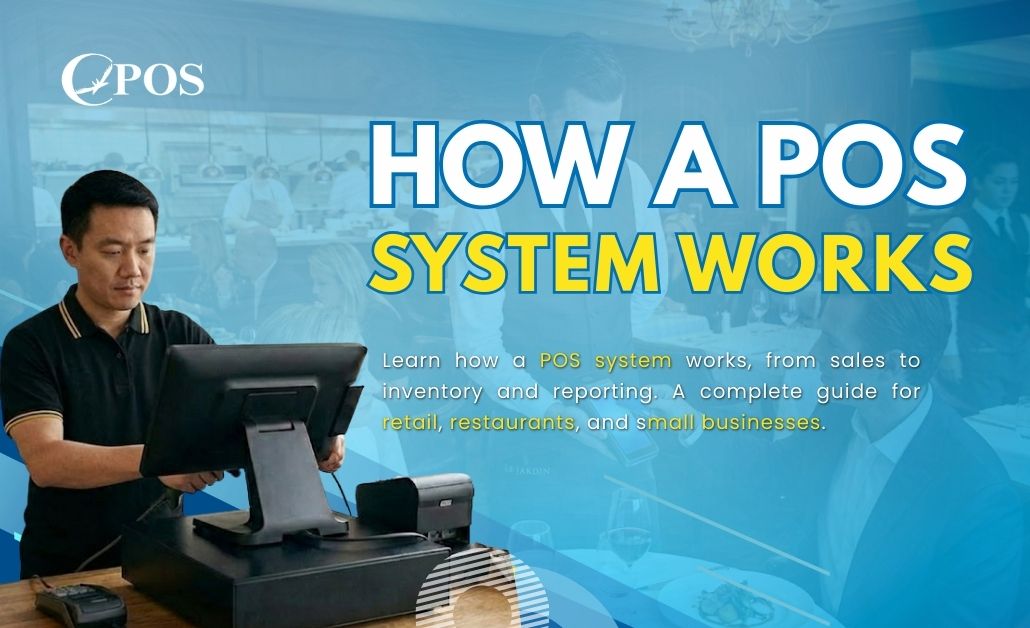
A POS system (Point-of-Sale system) is where sales happen and payments are processed. It is one of the most important tools for running a business efficiently. In addition, modern POS systems do more than process payments. They also help manage inventory, track sales, monitor employees, and generate detailed reports. Because of these benefits, businesses of all sizes rely on POS systems to improve accuracy, speed, and decision-making.
Understanding how a POS system works helps business owners choose the right setup for their needs. For this reason, this guide explains every step of a POS transaction, the main components, and the additional features that make POS systems essential for modern businesses.
What Is a POS System?
A POS system combines hardware and software to complete sales and manage daily operations.
For example, businesses that use POS systems include:
-
Retail stores
-
Restaurants and cafés
-
Salons and spas
-
Grocery stores
-
Food trucks and pop-up shops
As a result, POS systems support many industries.
Types of POS Systems
There are several types of POS systems available today.
Traditional POS
Traditional POS systems install locally and run in-store.
Cloud-Based POS
Cloud-based POS systems run online and sync data in real time.
Mobile POS
Mobile POS systems work on tablets or smartphones.
Core Components of a POS System
POS systems consist of hardware and software that work together.
POS Hardware
Common POS hardware includes:
-
Touchscreen terminal or tablet
-
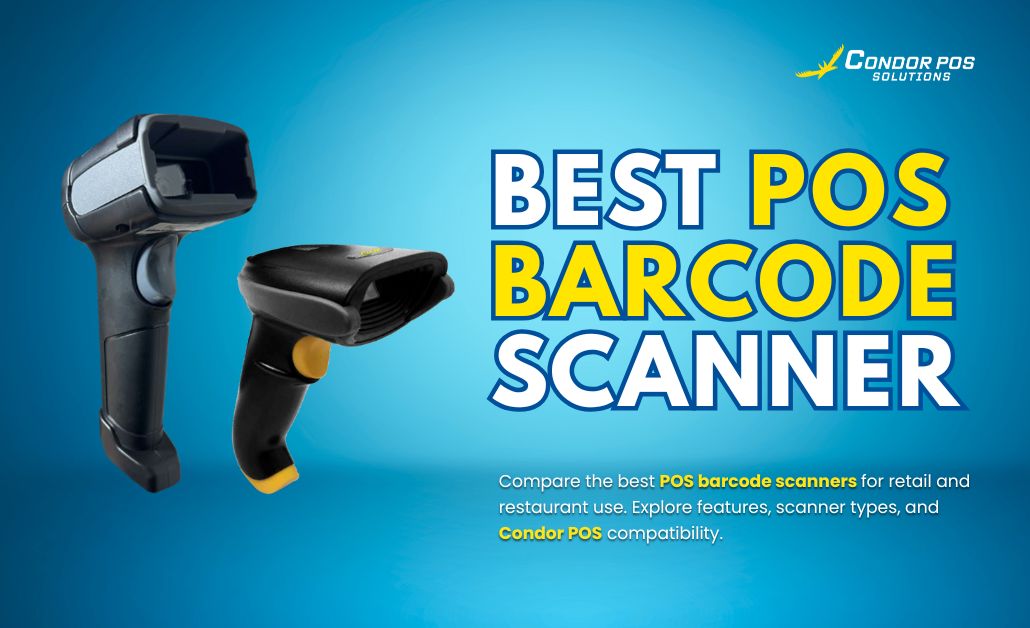
Barcode scanner
-
Receipt printer
-
Cash drawer
-
Card reader
These devices help businesses process transactions quickly and accurately.
POS Software
POS software manages:
-
Sales and checkout
-
Inventory tracking
-
Customer management
-
Reports and analytics
Depending on the system, the software runs locally or through the cloud.
Step-by-Step: How a POS System Works
Step 1: The Transaction Begins
First, staff scan items or select them from a menu.
In restaurants, servers enter orders by table or guest.
Next, the system calculates prices, taxes, and discounts automatically.
Step 2: Payment Is Processed
After that, customers choose a payment method:
-
Cash
-
Debit or credit cards
-
Mobile wallets such as Apple Pay or Google Pay
-
Gift cards
For card payments, the POS system sends the transaction to a payment processor for approval.
Step 3: Receipt Is Issued
Once payment is approved, the system prints or sends a receipt digitally.
At the same time, inventory updates automatically.
If needed, the system saves customer data for loyalty programs.
Step 4: Data Is Logged and Synced
Finally, the system updates sales and inventory records in real time.
It also tracks employee performance.
For cloud-based POS systems, data syncs to a central dashboard.
Additional Functions of a POS System
Besides processing sales, POS systems handle many daily business operations.
Inventory Management
Tracks stock levels, prevents shortages, and sends reorder alerts.
Customer Relationship Management (CRM)
Stores purchase history, loyalty points, and customer profiles.
Employee Management
Monitors work hours, sales, and performance.
Reporting and Analytics
Generates sales trends, profit margins, and operational insights.
Types of POS Systems
Businesses can also choose POS systems based on how they operate.
Traditional POS
Uses local servers and works best for single locations.
Cloud-Based POS
Runs online, offers real-time data, and supports multiple locations.
Mobile POS
Runs on tablets or smartphones and suits events and food trucks.
Self-Service POS
Provides customer-facing kiosks in retail or fast food.
Conclusion
A POS system is more than a cash register. It acts as a central hub that connects sales, payments, inventory, employees, and reporting in one workflow. Because it automates these processes, a POS system saves time, reduces errors, and improves overall performance.
Choosing the right POS system depends on the size, type, and goals of your business. Whether you select a traditional POS, cloud-based POS, or mobile POS, understanding how the system works helps you get the most benefit. If you are looking for a reliable and easy-to-use solution, Condor POS Solutions offers POS systems designed for retail, restaurants, and growing businesses. Book a free demo with Condor POS Solutions today and discover how the right POS system can help your business run better.